
- Create a task with due date and time.
- When time comes, notification pops up on desktop and Android at top of the screen (push notification).
- Mark the task as completed on desktop
- Notification dissapears from notifications list on desktop (however after page resfresh only), but doesn't dissapear at all from push notifications on mobile.
Notification didn't disappear from the top of Android screen.
Hồng Quân Nguyễn, Jul 18, 2018
Hi Diego, Can you please explain a bit more on:
- Notification “disappears” from the notifications list on desktop? When you receive a notification in the web browser, it will still remain in the notifications list.
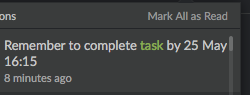
- Notification “doesn’t disappear” from push notifications on mobile? Did you mean the push notification did not disappear from your lock screen or from your phone’s notifications center?
Crystal, May 25, 2018
This issue has been fixed on my phone. But there is another problem: When I tab the notification, it opens Quire app, but going to other task, not the task which generated notification.
Hồng Quân Nguyễn, Aug 14, 2019
Hi Hồng Quân, You meant when you read a new notification on the web app, the same notification should disappear from your mobile screen? Sounds reasonable, I will pass it to our team.
Crystal, Jul 20, 2018
@crystal I can confirm the issue still exists. Even after completion of task, the push notification popups after few days again.
Diego Softcontrol, Aug 8, 2019
Hi @diego.softcontrol , thank you for informing us. We tried to reproduce this issue but failed to do so. Please help to check the task activity log.
- When was the task completed? (Was it completed in Quire app or via Quire Android widget)
- When did you receive the notification on mobile again?
If you could provide screenshots of activity log and notifications, it would be super helpful.
Also, make sure the internet connection (for phone) is strong enough without any disruption. If the task was completed when there's no internet connection, the system might miss pushing notification, resulting in delay notification.
Thanks in advance.
Peggy, Aug 14, 2019
@crystal Currently it is even worse, even I tapped to the Android notification, opened Quire Android app to read new update, the notification still not disappeared after I quited the app.
Hồng Quân Nguyễn, Jul 20, 2018
Hi @ng.hong.quan , sorry that you have encountered this issue. We tried to reproduce it but failed to do so. Please let us know the reproducing steps. It would be extra helpful if you could provide screenshots of the notifications. Thank you so much in advance.
Peggy, Aug 15, 2019
- Yes, I was in Quire Feedback before. I tried clearing the "recent app list" in Android and tried tapping the notification again. Still go to Quire Feedback instead of my task.
- Web browser is Ok. Only Android app suffers this bug.
Hồng Quân Nguyễn, Aug 19, 2019
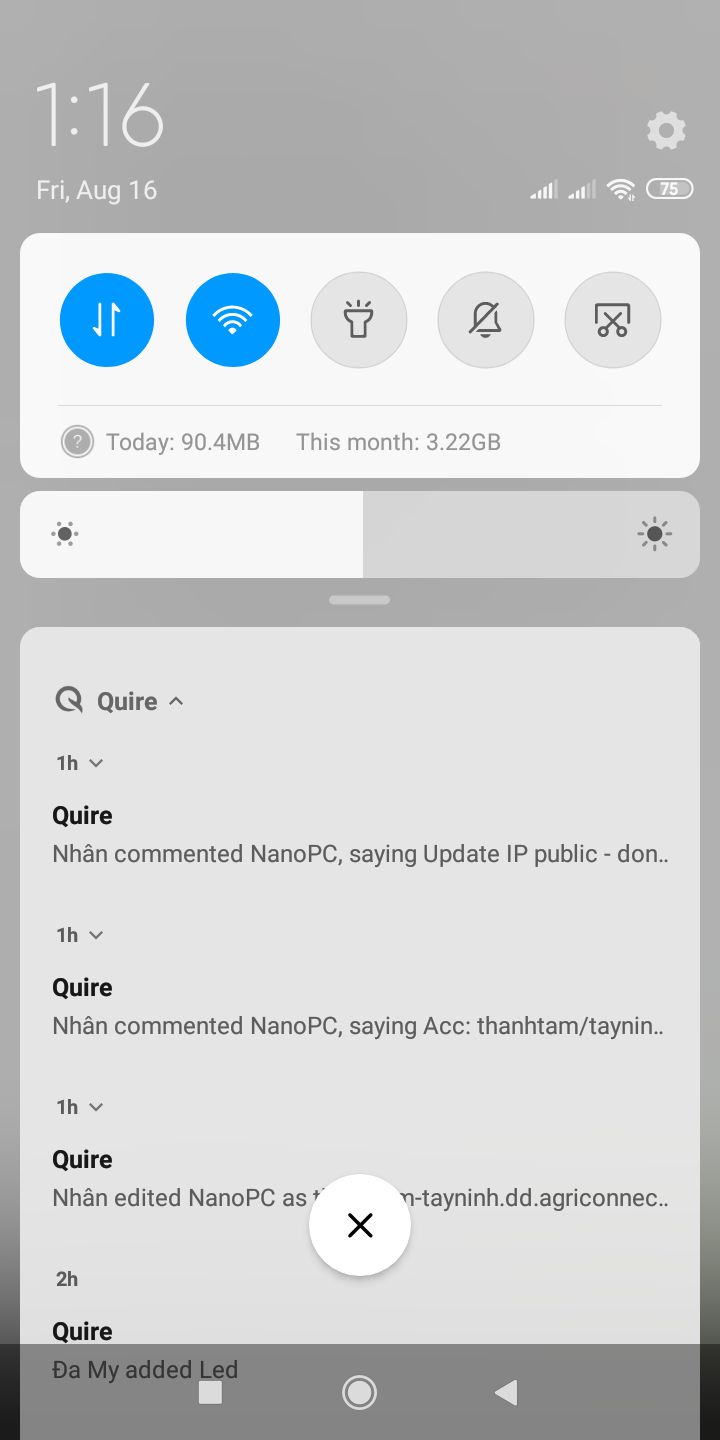
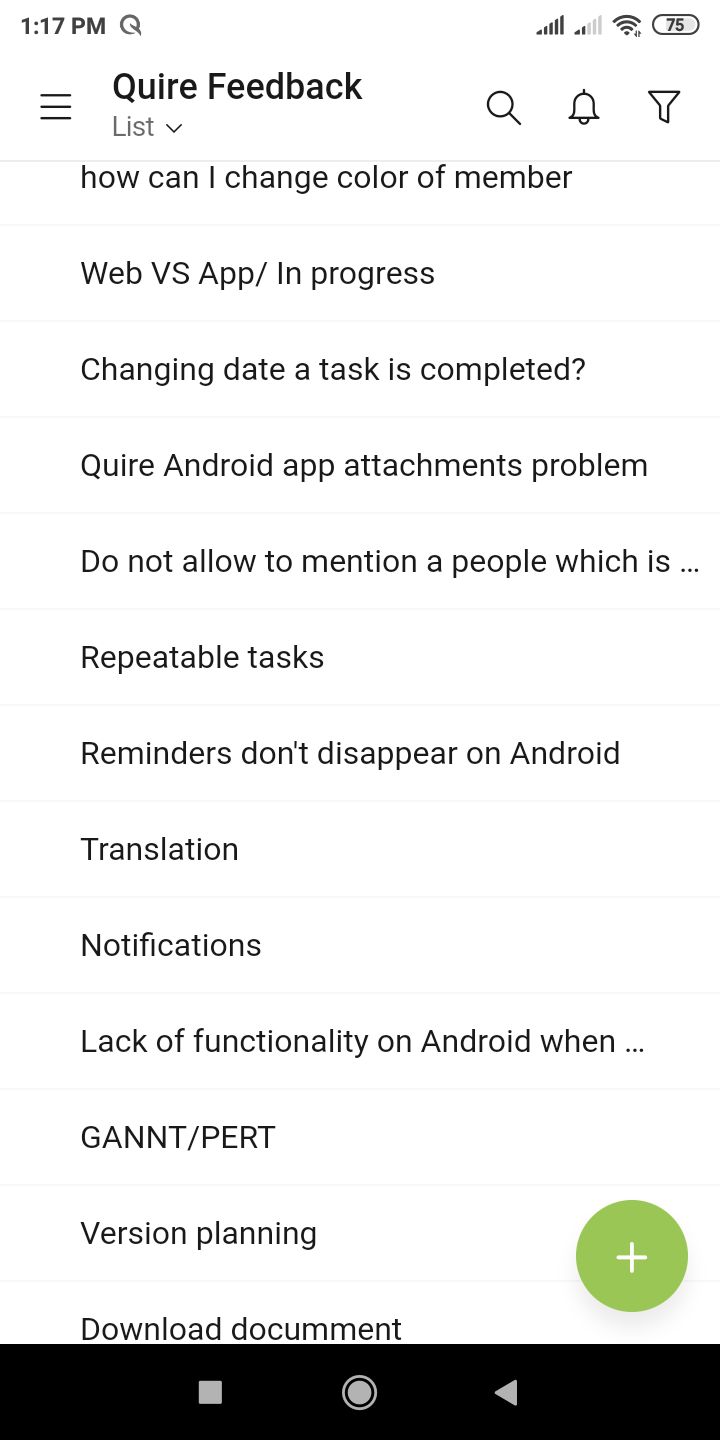
Hồng Quân Nguyễn, Aug 16, 2019
Hi @ng.hong.quan ,
were you in the Quire Feedback before you tapped on the notification below? Normally, if you tap on the notification below (it's the screenshot you provided), it should open up the project first, then go to the task's detail panel, then scroll down to the comment area.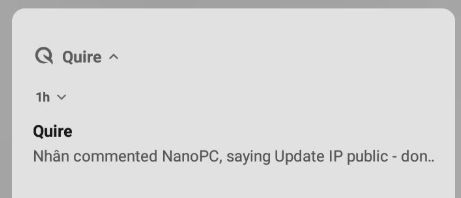
would you mind trying to tap on the same notification in the web browser? will it still take you to the Quire Feedback?
Peggy, Aug 19, 2019