
I don't get notifications when a task is due, is that normal? Iphone App
Via Quire iOS
Hi Tarek, Please let us know:
- if you see the notification of this task being due in the notifications view (after you tap on the upper-right “alarm” icon)
- if you have received any push notification from Quire
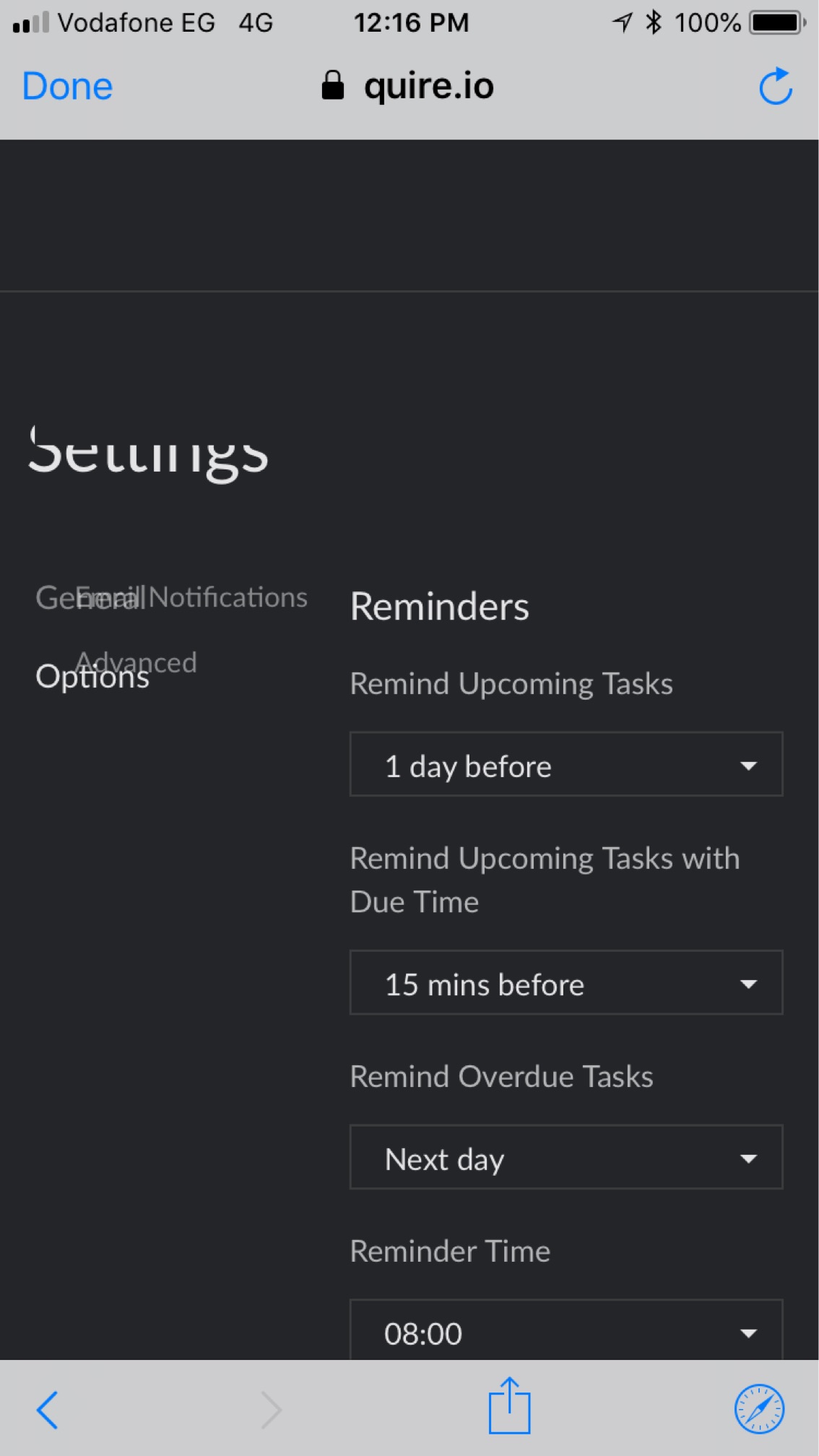
- your settings for Reminders in your Account Settings
Thanks.
Crystal, May 25, 2018
Hi Tarek, Thanks for the info. Can you please make sure the Quire notification settings in your iPad are the same as the one in your iPhone? Also, what you can do is delete the app and reinstall it again, to see if it works fine now.
Crystal, May 28, 2018
Hi all, the notifications on Android ignore "do not disturb" mode still. It wakes me up in the middle of the night and there is no way to override. Is there a fix?
Megan Peters, Jun 4, 2021
Thanks for the fast response Peggy. I've reinstalled and will let you know if the problem persists.
Megan Peters, Jun 4, 2021
In the notifications inside the app I can see notifications that a task is due.
I get push notifications on my ipad but not the iphone
Attached is a screenshot of my reminders settings
Tarek Almowafy, May 25, 2018
Hi Megan - This was an issue a couple weeks ago. However, we have fixed this issue in the newest version update (version 7.04).
Could you please remove the app and reinstall it to avoid any caches in your phone? If this issue still persists afterward, please kindly let us know! Thanks so much!
Peggy, Jun 4, 2021