
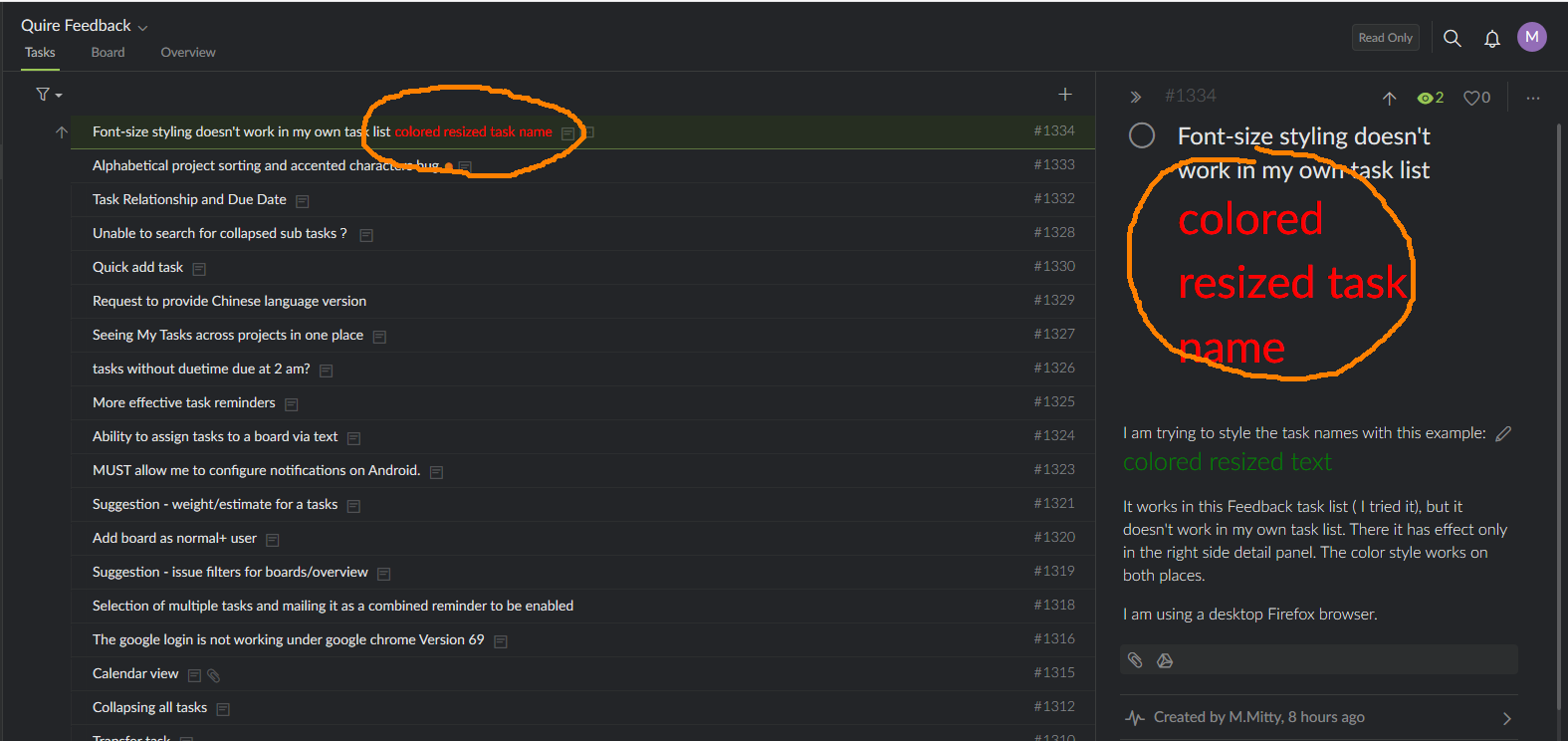
I am trying to style the task names with this example: colored resized text
It works in this Feedback task list ( I tried it), but it doesn't work in my own task list. There it has effect only in the right side detail panel. The color style works on both places.
I am using a desktop Firefox browser.
I see what is happening: presing CTRL toggles the styling effects. If this purposeful, or is it a bug?
M.Mitty, Oct 15, 2018
My system: Windows 8.1 64bit Firefox Quantum 62.0.3 (64-bit)
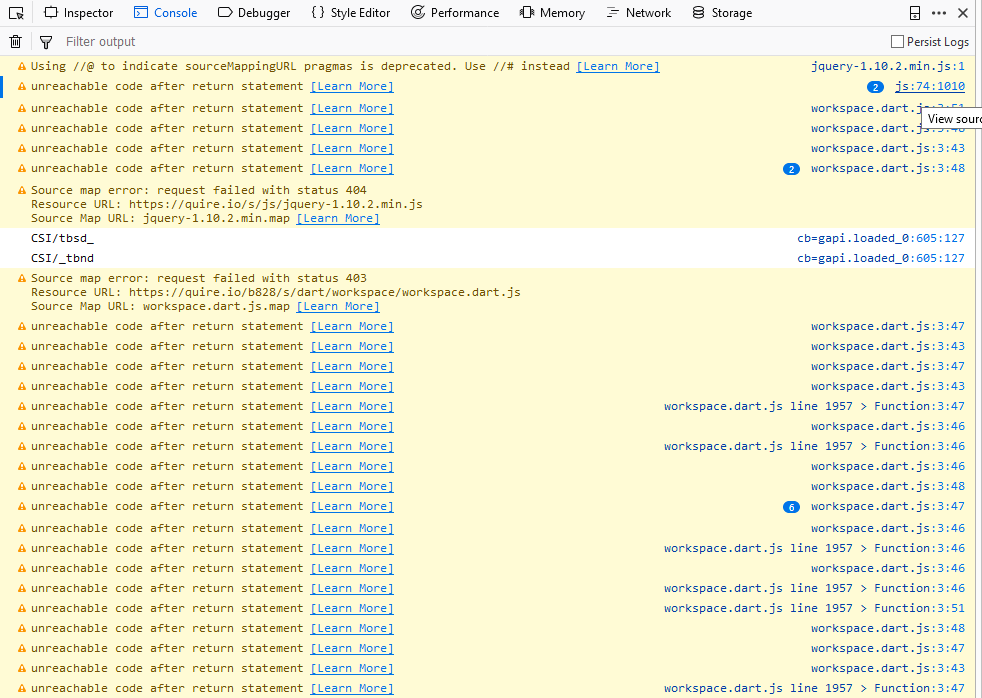
Console log:
M.Mitty, Oct 15, 2018
Browser screenshot:
M.Mitty, Oct 15, 2018
Hi M.Mitty, This issue should be resolved now. 😃
Crystal, Oct 18, 2018
Hi Ricky, I have entered the same text & style in a task name in Firefox, Windows 10, and it looked fine. What OS (eg., Windows 10) and browser version are you using? And can you please provide us with a screenshot of what you see, and also a screenshot of your Console (after right-click on webpage —> select Inspect —> go to Console tab)? They would help us look into it. Thanks.
Crystal, Oct 15, 2018
Hi M.Mitty, Ah I see. Yes, when you toggle Ctrl (to see task ID, description and comment icons, etc., of tasks), the size of the task name changes. It is because when you sort/filter and toggle Ctrl, we need space to display the "breadcrumbs" (aka parent tasks, grandparent tasks, etc.) of tasks. Let us think about it.
Crystal, Oct 16, 2018
Funny, sometimes it works:
M.Mitty, Oct 15, 2018